Guide · Portfolios
How to make an architecture portfolio for a master's or a job
An architecture portfolio is a short, edited book of your best work: usually three to five strong projects, each told in a few pages with a hero image, plans, sections and a line or two of context, plus a little of your sketching, model making or other work. For a master's or grad school application it should show how you think; for a job it should show what you can do in an office. Open with your strongest or most relevant project, keep one layout system throughout, and send it as a single PDF small enough for the school's or firm's upload limit. Many firms also ask for a short work sample of a few pages, so make that version too.
Three versions of one portfolio
Most students need the same work cut three ways: make the full one first and cut the others from it.
- The academic portfolio, for a master's, grad school, a transfer or a scholarship. The readers are tutors on an admissions panel. They look for ideas, process, research and range: how you got from the brief to the building, not only the final render.
- The professional portfolio, for a job or internship. The readers are architects who need to know whether you can be useful on a project. They look for clear drawings, technical understanding, software skills and, if you have it, work from an office or a built project.
- The work sample, which many firms ask for with a CV. It is a few pages, often with a page count or file size given in the advert, and it often decides whether anyone opens the full portfolio. Think of it as a trailer: your best images and drawings, one or two per project, with your name on every page.
What goes in
- A cover with your name and the word portfolio. Plain is fine.
- A contents page, short: project names, type, year of study, page numbers.
- A CV or résumé, if the school or firm wants it inside the portfolio. Many ask for it separately; check.
- Three to five main projects. Your best, not all of them.
- Smaller work at the end: sketches, physical models, photography, competitions, a workshop, built work. A page or two of these shows the person behind the projects.
- For professional portfolios: office work, with the practice credited, your role stated, and the practice's permission to show it. Offices often treat drawings as confidential, so ask before you include anything.
The order
Put your strongest or most relevant project first. Readers often decide within the first few pages whether to read closely, so your first-year project should rarely open the book.
An example order for a master's application (made up, to show the idea):
- Cover and contents.
- Thesis or final-year project, the strongest and most developed.
- A project that shows a different skill, such as housing or a detailed building.
- A project that matches the course you are applying to, such as urban design or landscape.
- One shorter project.
- Sketches, models and other work.
For a job, reorder. Lead with what is closest to the practice's own work, and bring technical drawings, details and any office work forward. This is why a portfolio should be adjusted for each application, not sent unchanged everywhere.
How many projects and pages
Three to five main projects usually show more than eight uneven ones. Two to six pages per project is a common range, with more for your best project and fewer for minor ones. Schools and firms often set a page limit or a file size limit; check the school's or firm's own requirements and follow them exactly, because an over-long portfolio can be set aside before anyone reads it. Cutting a weak project almost always improves a portfolio.
How to tell each project
Each project is a short story a stranger can follow without you in the room:
- An opening page with the project's name, type, place, year of study and one or two sentences on the idea.
- The hero image, large: a render, a model photograph or a strong drawing.
- The drawings that explain it: site plan, plans, at least one section, maybe an elevation. Show them big enough to read on a laptop.
- The process that changed the design: one or two sketches or study models that show a real turning point, not every iteration.
- One detail or close-up, if the project has one worth showing.
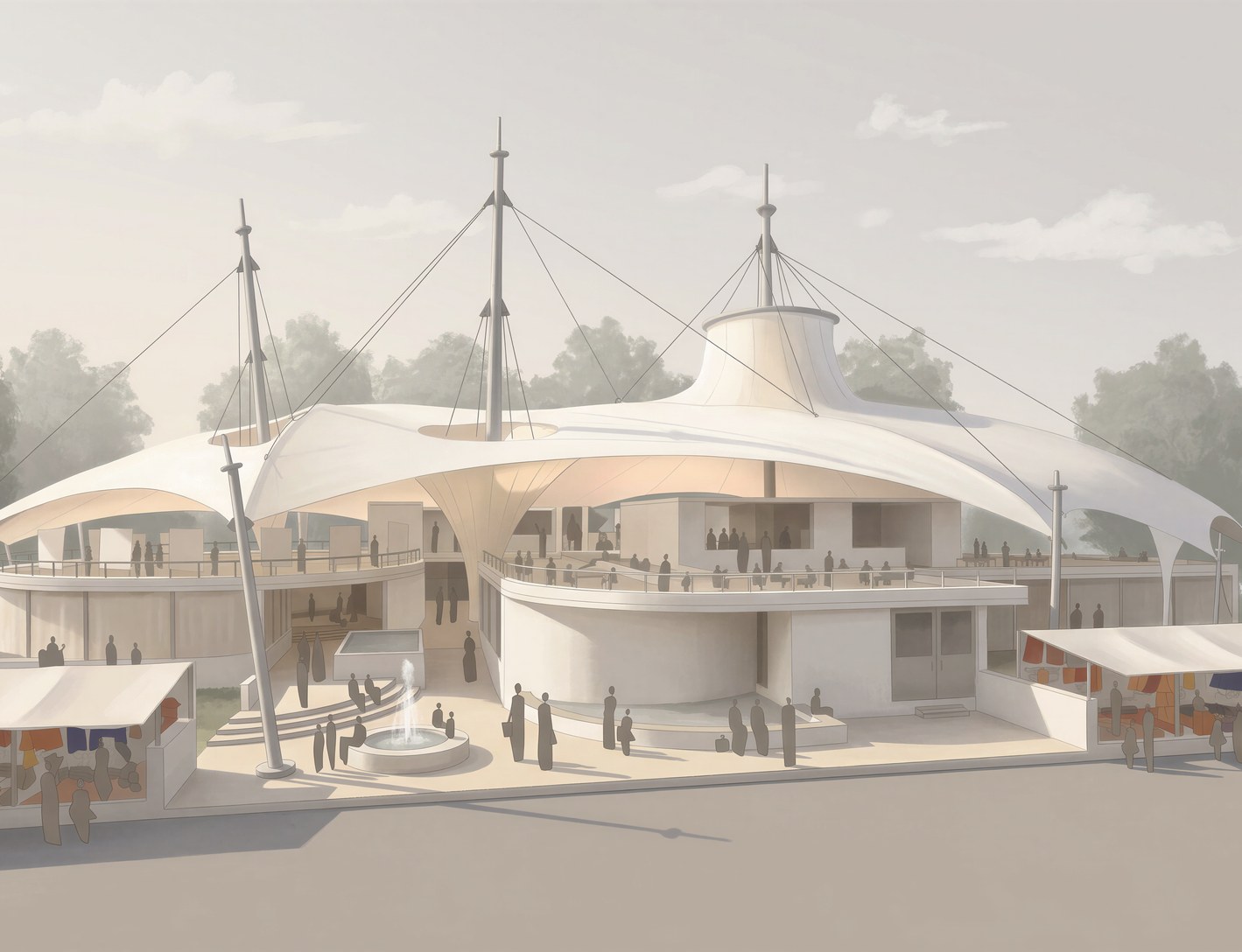
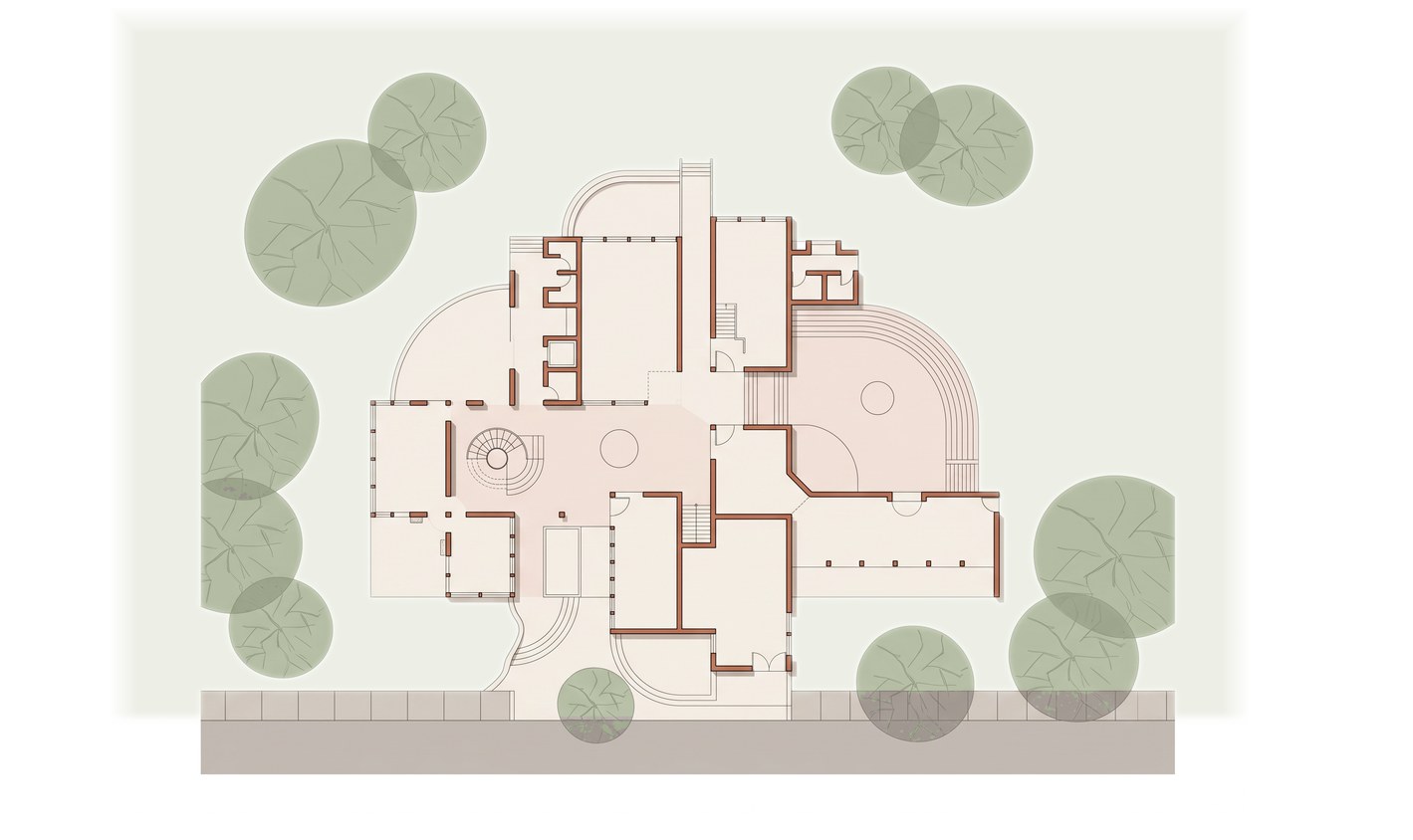
On group work, say plainly what you did yourself: "Group project of four; my part was the site analysis, the ground floor plan and the model."
If your projects only exist as jury boards, don't shrink the boards onto pages. Rebuild the pages from the original drawings; portfolio vs jury board goes through how, step by step.
Page layout
- Format. Landscape pages suit most architecture: A4 or A3 landscape in the UK, Europe, Australia and India, US Letter or 11 × 17 inch tabloid in the US. Pick one size and keep it.
- One grid. The same margins, columns and image positions on every page, so different projects read as one body of work.
- One or two typefaces, small and quiet, with the same sizes for titles, captions and body text throughout. The fonts and colours guide gives a simple system.
- White space. Leave room around the drawings. A full page is not a better page.
- Drawings that read at page size. Line weights drawn for A1 run together into grey when shrunk; re-export them for the page. See presenting plans and sections.
- Good photographs of models. A plain background and soft daylight do more than an expensive camera; photographing models with a phone shows how.
- Page numbers and your name in a small footer, so a single page sent on or printed out is still yours.
Design for the screen first. Most portfolios are read on a laptop, some on a phone, and only some are printed. If you design spreads, check how they look as single pages, because many upload systems show one page at a time.
File size, format and sending it
- A single PDF, unless asked for something else. Name it clearly, for example Firstname-Lastname-Portfolio.pdf.
- Keep it small. Many applications ask for a PDF of limited size, and email attachments have limits too. Export images at a sensible resolution for a screen (around 150 pixels per inch at the page size is usually enough) rather than print resolution, and use the PDF export settings that compress images. Then open the file at full screen and check that the drawings are still sharp.
- The work sample should be small enough to attach to an email without trouble; a few megabytes is plenty.
- Printed copies, if you take one to an interview, can be at a higher resolution. Print a test page first.
- An online portfolio on a personal site is a useful extra, but most applications still want the PDF.
Common mistakes
- Shrunken jury boards used as pages, with captions too small to read.
- Too many projects, including weak early ones, so the strong work is diluted.
- Renders without drawings. Readers want plans and sections to see how a building works.
- A different layout for every project, which makes the portfolio look like five people made it.
- Unclear group work, or office work shown without credit or permission.
- One version sent everywhere, with no thought for what each school or firm does.
- A file too big to upload, discovered an hour before the deadline.
- Typos. Ask someone else to read every page.
Plan it in weeks, not days
Choose your projects first. Then gather the original drawings and photographs, set up the grid, lay out one project completely and ask a tutor or a working architect for feedback before doing the rest. Give yourself several weeks before a deadline, with time at the end for checking and cutting.
It is far easier to make a project's portfolio pages straight after its jury than to rebuild three years of work at once. If a project never had a clean set of drawings, Studio FGA, our tool, turns your own drawings into an editable A1 board and jury deck, from $6.49; the cleaned-up drawings and layout can then be adapted into that project's portfolio pages.
Questions students ask
How many projects should an architecture portfolio have?
Three to five main projects is a common choice, plus a page or two of sketches, models or other work. Quality matters more than number: cutting a weak project usually strengthens the whole portfolio. Follow any limit the school or firm sets.
Should I include group work or non-architecture work?
Yes to group work, as long as you state clearly what you did yourself. Non-architecture work such as drawing, photography, furniture or graphic design can go in a short section at the end, where it shows range without taking space from your main projects.
Should my architecture portfolio be a PDF or printed?
Send a PDF unless the school or firm asks otherwise, kept within its file size limit and designed to read well on a screen. A printed copy is useful to take to an interview, where you can talk the reader through it.